
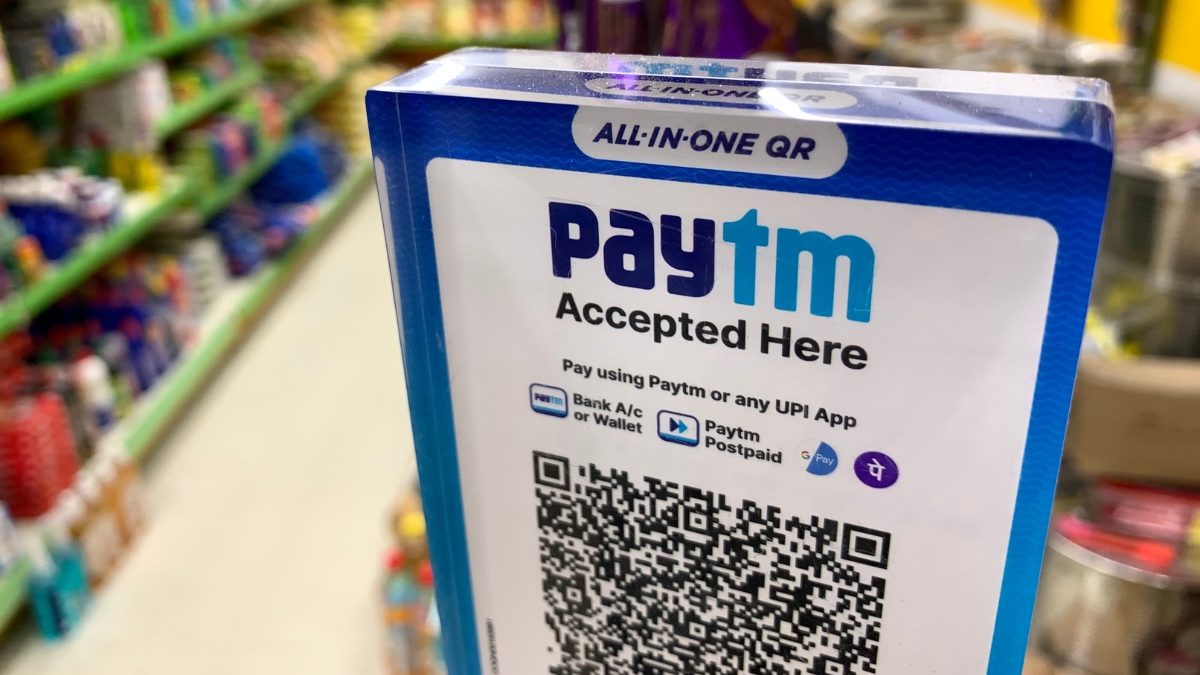
Paytm UPI Payment: Paytm, which is owned by One 97 Communications, has launched a secure Biometric Authentication for payments on its app. In a media release, Paytm said that the feature will allow the verification of payments using Fingerprint or Face ID instead of the UPI PIN.
Besides, the platform has also enabled cardless ATM withdrawals, it said in the release. It will work across participating ATMs, with a per transaction withdrawal limit of Rs 10,000.
“This brings biometric verification into everyday use on the Paytm app, across payments, balance checks and ATM withdrawals," Payt said.
On how Paytm UPI payment works, Paytm said: "It works using the built-in biometric security of smartphones, including fingerprint sensors on Android and Face ID on iOS, with verification completed directly on the device and no biometric data stored or accessed by Paytm or the bank, ensuring privacy and safety.”
The UPI PIN continues to remain available, offering complete flexibility based on individual preference (Paytm UPI Payment).
In line with NPCI guidelines, biometric UPI payments will begin with a Rs 5,000 per transaction limit, Paytm said.
Paytm UPI Payment: Enable Face ID or Fingerprint in 6 Steps
1. Open the Paytm app.
2. Tap on Profile icon on the left
3. Tap on “Pay with Fingerprint” / “Pay with Face ID” in Settings
4. Select the bank account on which you want to enable biometric payments.
5. Follow the on-screen prompt to authenticate using your fingerprint or Face ID.
6. You can now proceed to securely check balance or make payments upto ₹5,000 with Face ID or Fingerprint verification.
Paytm UPI Cash Withdrawal At ATM: 7 Steps
1. Ensure a bank account is linked to Paytm UPI and UPI is active
2. Visit an ATM displaying the “UPI Cash Withdrawal” or “Cardless Withdrawal / UPI ATM” option
3. On the ATM screen, select “UPI Cash Withdrawal” option
4. Enter the amount to be withdrawn (within bank and UPI limits)
5. A dynamic QR code appears on the ATM screen
6. Open the Paytm app and scan the QR code, select the bank account from which you want to withdraw money and enter the UPI PIN
7. Once PIN is verified, the ATM dispenses cash and a confirmation screen appears instantly in the Paytm app